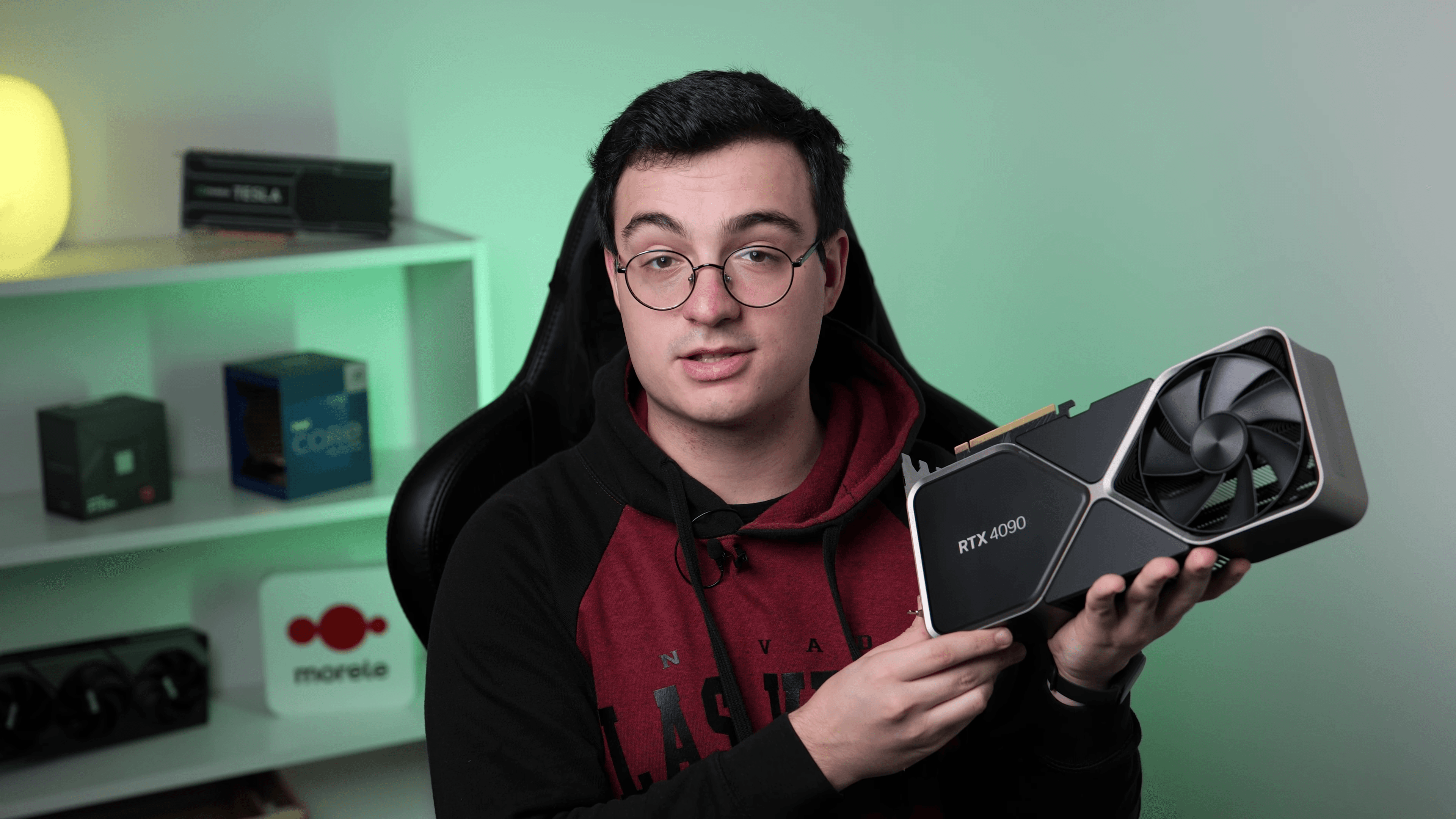
Why the CPU still matters with a 5090
With a $2,000 RTX 5090 you might assume the GPU does everything and the CPU just has to not crash. That was true for the 4090 at 4K. It isn’t true for the 5090. The 5090 produces 30–50% more frames per second than the 4090 at every resolution, which means the CPU has to feed those extra frames at the same cadence. A CPU that was balanced with the 4090 can be the bottleneck with the 5090.
Concretely: in Counter-Strike 2 at 1440p competitive settings, the 5090 can produce 500+ FPS. The CPU needs to prepare a frame every 2 ms to keep up. Only the X3D series and the latest Intel flagships can sustain that. Six-core CPUs cap out around 200–300 FPS in this kind of workload regardless of the GPU.
See our CPU vs GPU bottleneck pillar for the deeper explanation of why resolution and refresh rate flip the answer.
The 5 picks
01 · THE UNDISPUTED GAMING MATCH
AMD Ryzen 7 9800X3D
MSRP $479 · BEST FOR PURE GAMING AT ANY RESOLUTION
The 9800X3D is the only CPU that genuinely keeps the RTX 5090 fed at 1440p high-refresh and even matters at 4K (where the 5090 pushes enough FPS that the CPU still has to keep up). 96 MB of second-gen 3D V-Cache, full overclock support (unlike the 7800X3D), 8 cores at 5.2 GHz boost. If you bought a 5090 to play games, this is the CPU.
// PAIR PAGE
See the full bottleneck verdict for AMD Ryzen 7 9800X3D + RTX 5090 →
// PRICE CHECK
BUY THIS CPU→Affiliate link. We earn a small commission on Amazon purchases at no cost to you — that’s how we keep the calculator free.
02 · GAMING + HEAVY PRODUCTIVITY
AMD Ryzen 9 7950X3D
MSRP $699 · BEST FOR GAMING + HEAVY MULTI-THREADED WORK
Sixteen Zen 4 cores with 3D V-Cache on the gaming CCD. Within 3% of the 9800X3D in games, and crushes multi-threaded productivity (rendering, simulation, compilation). Choose this if you need both. The dual-CCD scheduling can introduce variance — Windows 11's game-aware scheduler handles it well in practice.
// PAIR PAGE
See the full bottleneck verdict for AMD Ryzen 9 7950X3D + RTX 5090 →
// PRICE CHECK
BUY THIS CPU→Affiliate link. We earn a small commission on Amazon purchases at no cost to you — that’s how we keep the calculator free.
03 · THE INTEL PERFORMANCE CEILING
Intel Core i9-14900K
MSRP $589 · BEST FOR EXISTING LGA1700 PLATFORM, GAMING + WORK
24 cores (8P + 16E), 6.0 GHz boost. Within 6–8% of the X3D parts in games at the cost of much higher power draw — plan on a 360 mm AIO and a 1000W+ PSU. Productivity is exceptional. Choose this only if you're committed to LGA1700 / DDR5 with an existing high-end board.
// PAIR PAGE
See the full bottleneck verdict for Intel Core i9-14900K + RTX 5090 →
// PRICE CHECK
BUY THIS CPU→Affiliate link. We earn a small commission on Amazon purchases at no cost to you — that’s how we keep the calculator free.
04 · ARROW LAKE FRESH START
Intel Core Ultra 9 285K
MSRP $589 · BEST FOR BRAND-NEW INTEL BUILD WITH MULTI-YEAR UPGRADE HORIZON
Intel's newest flagship on LGA1851. Productivity is great, gaming lands slightly behind the 14900K and notably behind the 9800X3D. The platform is new, so motherboard + DDR5-CUDIMM RAM costs are still climbing down from launch premiums. Hold off unless you're building completely fresh and want the latest socket for future-proofing.
// PAIR PAGE
See the full bottleneck verdict for Intel Core Ultra 9 285K + RTX 5090 →
// PRICE CHECK
BUY THIS CPU→Affiliate link. We earn a small commission on Amazon purchases at no cost to you — that’s how we keep the calculator free.
05 · NOT ENOUGH — INCLUDED AS A COMPARISON
AMD Ryzen 5 7600X
MSRP $299 · BEST FOR COUNTER-EXAMPLE — DO NOT PAIR
A 6-core CPU is genuinely a bottleneck for a $2000 GPU. At 1080p / 1440p competitive settings you can lose 25–40% of the FPS the 5090 can produce. Don't do this. If your budget can't stretch from the 5090 to at least a 9800X3D, downgrade the GPU to a 5080 instead and run the savings into the CPU.
Which one should you actually buy?
- PURE GAMINGRyzen 7 9800X3D. No competition. Buy the CPU, buy DDR5-6000 CL30 RAM, an X870E or B850 board, done.
- GAMING + WORKRyzen 9 7950X3D. 16 cores for productivity, V-Cache on the gaming CCD. The 9950X3D will replace this when it’s available, but the 7950X3D is the right pick today.
- EXISTING INTELCore i9-14900K if you already own an LGA1700 high-end board. Don’t switch platforms just for the 5090 — buy the 9800X3D instead.
- FRESH INTELCore Ultra 9 285K if you want the newest socket. Slightly slower in gaming than the 14900K; better power efficiency.
Platform + DDR5 notes
The 5090 draws up to 575 W. With a 120 W CPU like the 9800X3D, plan on a 1000 W 80+ Gold or Platinum PSU minimum, ideally 1200 W with the new ATX 3.1 / 12V-2x6 connector spec to handle transient spikes safely. The 5090 reference card uses one 12V-2x6 connector that wants the cable rated for the full 575 W continuous draw.
For RAM, both Zen 5 and Arrow Lake benefit from fast DDR5 — aim for DDR5-6000 CL30on AM5 (sweet spot for the Infinity Fabric clock), or DDR5-7200+ on LGA1851. Slow DDR5 (the JEDEC 4800 default) costs real FPS in CPU-bound scenarios. Don’t skimp on RAM with this build.
// RUN THE NUMBERS
Have a specific build in mind? Run it through the free PC bottleneck calculator and see the verdict at 1080p, 1440p, and 4K — plus predicted FPS in 10 popular games.
Run a custom RTX 5090 build →FAQ
What is the best CPU for an RTX 5090 in 2026?
The AMD Ryzen 7 9800X3D — it's the best gaming CPU in the world right now and the only consumer chip that genuinely keeps the RTX 5090 fed across every resolution and game type. For gaming plus heavy productivity, the Ryzen 9 7950X3D is the alternative.
Will a Ryzen 7 7800X3D bottleneck an RTX 5090?
Mildly, at 1080p and 1440p competitive settings. The 9800X3D is roughly 8–12% faster in gaming workloads thanks to its second-gen V-Cache and higher clocks. At 4K with high settings, the 7800X3D is still excellent and you'd be GPU-bound either way.
Is the Core i9-14900K enough for an RTX 5090?
Yes — within 6–8% of the 9800X3D in games at high resolution, faster in productivity. The catch is power: it can draw 250+ W under load and needs aggressive cooling. If you're building fresh, the 9800X3D is more efficient and slightly faster in games. If you already own LGA1700, the 14900K is a perfectly valid pairing.
What PSU do I need for an RTX 5090 build?
1000 W 80+ Gold minimum, 1200 W for headroom. The RTX 5090 draws up to 575 W with transient spikes higher. Combined with a 120 W CPU and the rest of the system, you want 700–800 W of sustained capacity plus generous margin. Use a PSU with native ATX 3.1 / 12V-2x6 cabling.
Should I wait for the Ryzen 9 9950X3D?
If you need 16 cores, yes — it's expected within months and should land within 1–2% of the 9800X3D in gaming while crushing productivity. If you only game, the 9800X3D will remain the best gaming CPU regardless.
// RUN THE NUMBERS
Have a specific build in mind? Run it through the free PC bottleneck calculator and see the verdict at 1080p, 1440p, and 4K — plus predicted FPS in 10 popular games.
Open the bottleneck calculator →